
I was trying to show some change in HTML code, I made in my template the other day. When I tried to post the same information to share with other, I found out that the code are gone and can not be published as such.
So I spend some 1 hour digging on google to how to fix this. Fortunately I use firefox and I found a tool which can be implemented and it safe. After Installing this tool, it becomes very easy to post HTML/XML code in the blogpost etc.
Here it goes what you have to do.
1. Go to USERSCRIP.ORG website (a direct link to the page)
2. Hit Install button on the right. This will install greasemonkey.
3. Then restart the firefox and post a blog. When you open "posting" section, you will see a new button at the right bottom as seen in the picture above.
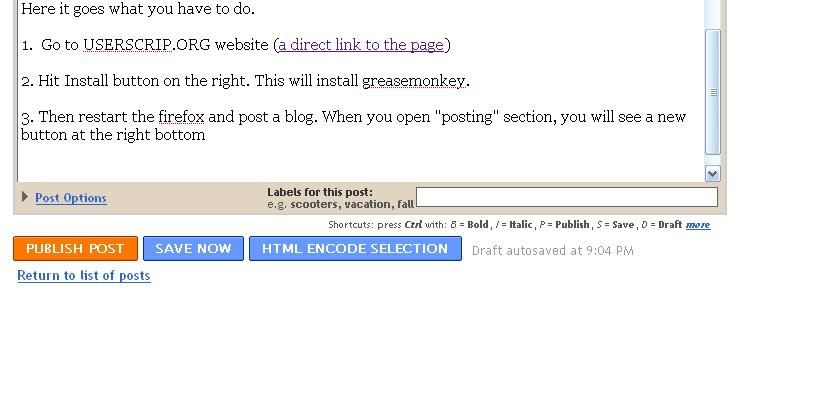
Once you write code, go to edit html code, select the portion of the code you want as text and then hit HTML encode selection buttion
Eg.
<code><body>
<div id="'outer-wrapper'"><div id="'wrap2'">
<!-- skip links for text browsers -->
<span id="'skiplinks'" style="'display:none;'">
<a href="'#main'">skip to main </a> |
<a href="'#sidebar'">skip to sidebar</a>
</span></code>

 Twit This!
No comments:
Post a Comment